Importing Peaklists
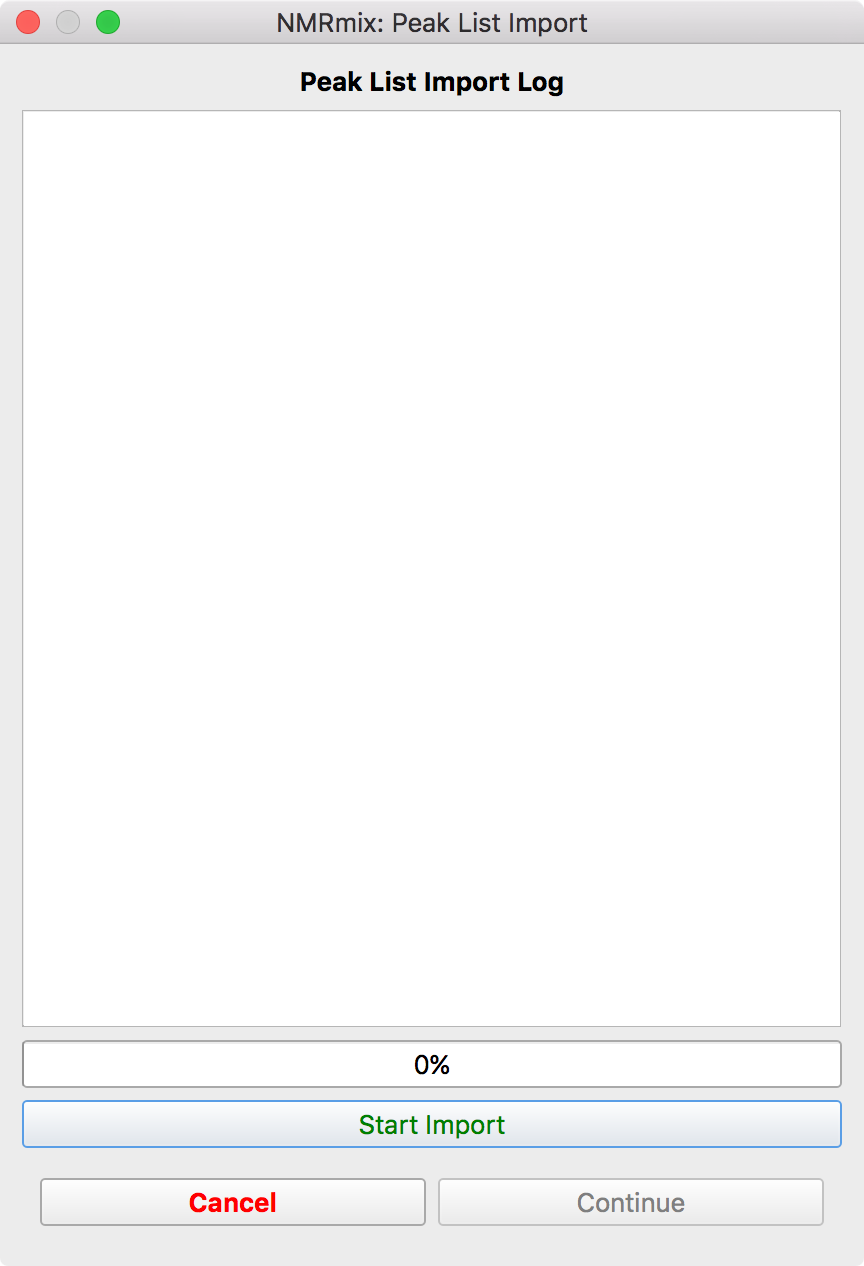
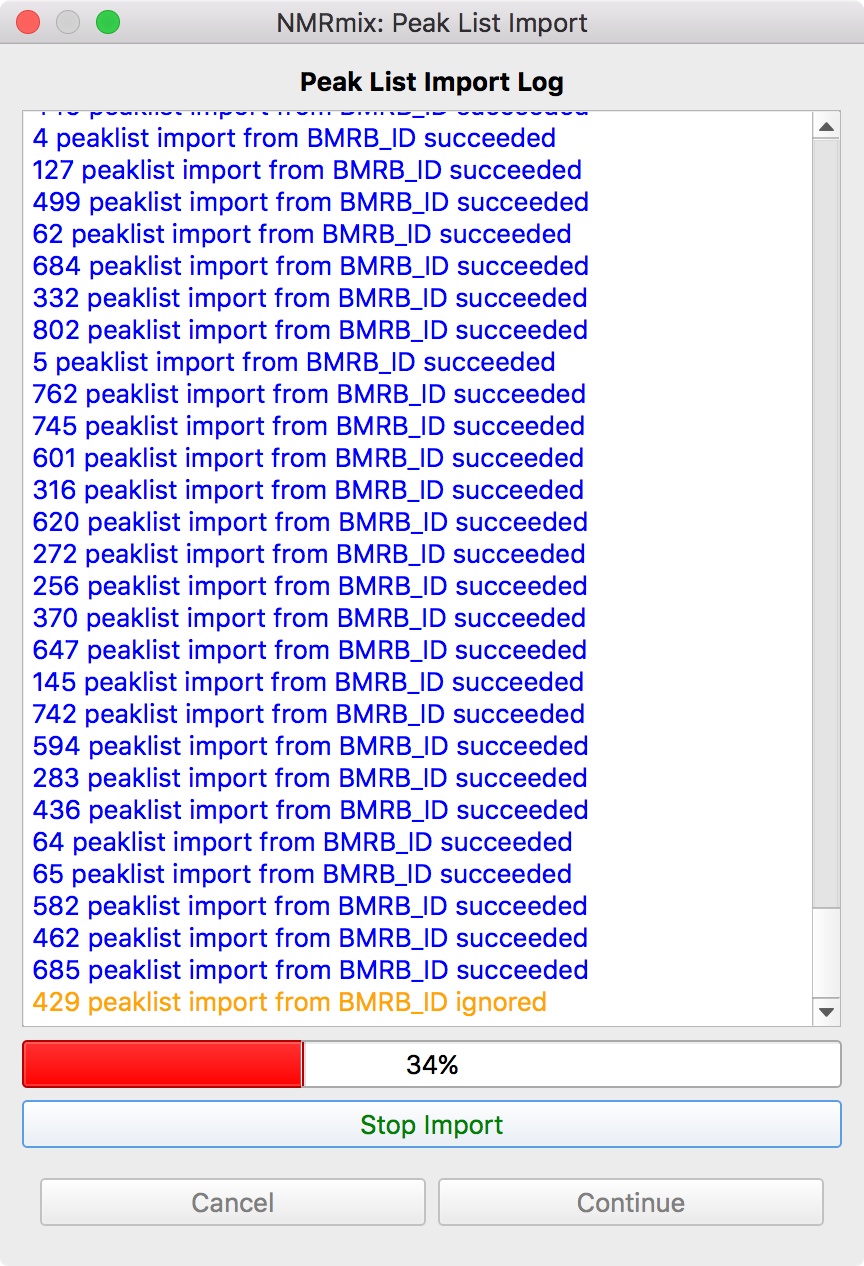
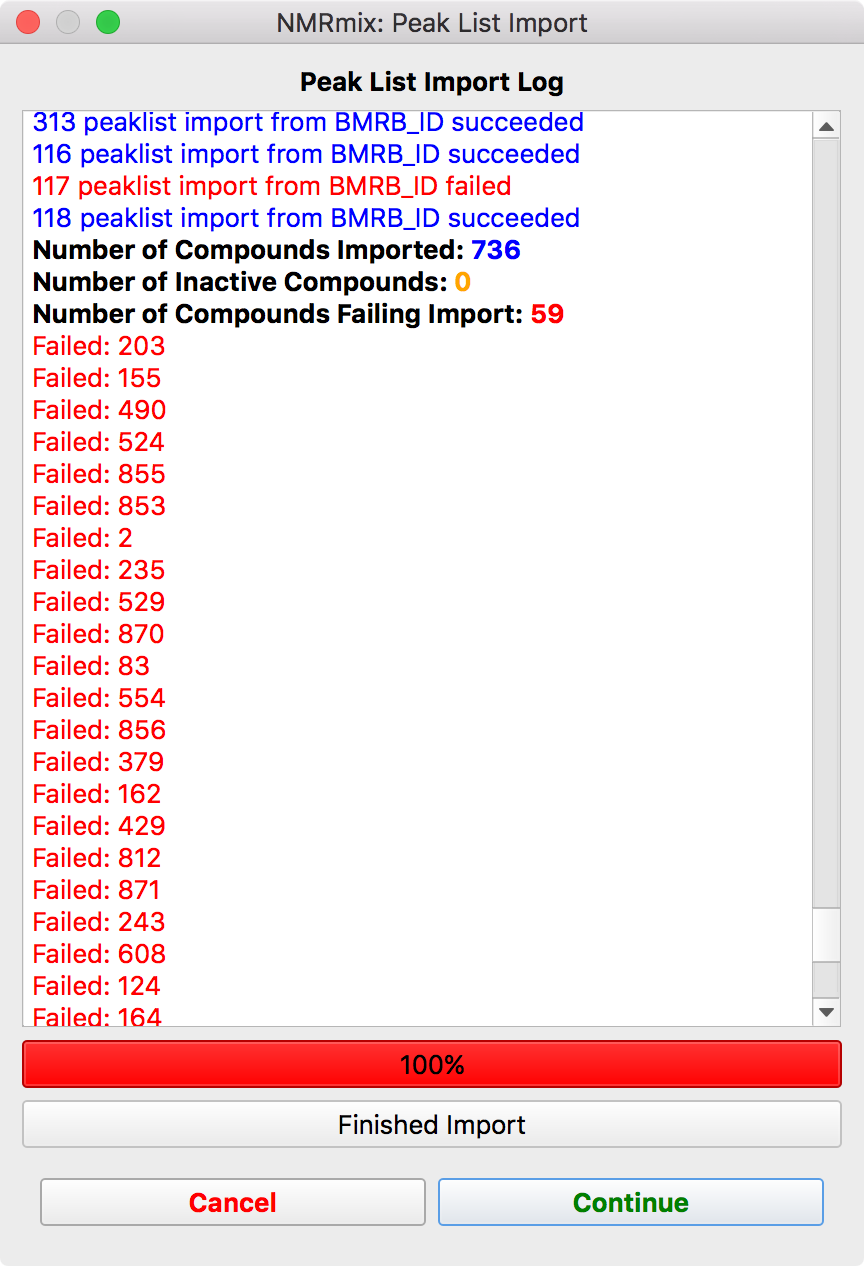
The peaklist import window shows the progress of importing the peak lists from the locations specified in the compound library file.
To begin the import process, click the Start Import button (left figure). After clicking this button, the import process should begin. The log window will show the importing results for each compound in the compound library (center figure). If the peaklist was successfully imported, the log output will be blue or black. If the compound was set to be not active in the compound library and thus ignored, the log output will be orange. Finally, if the peaklist failed to import for a compound, the log output will be red. The importing process can be stopped by pressing the Stop Import button. Upon completing the import process, a short summary of the number of compounds that succeeded, were ignored, or failed will appear, followed by a list of the compound unique identifiers that failed (right figure).
Pressing the Cancel button will back out of the peaklist import window returns to the compound library window. This allows you to fix any compounds that failed to import by checking the filename, file format, or verifying BMRB/HMDB IDs.
Pressing Continue will accept the current results of the import process, close the window, and continue with The Peaklist Statistics Window.
Warning
Compounds that fail to import are treated as if they are inactive in the library. They are set to inactive in the compound library file that is exported in the NMRmix results. Cancel out of the peaklist import window to fix these issues, if necessary.
Note
A log file will be generated for this import process when NMRmix results are created.
Peaklist Formats
Peaklist Formats